AliExpress & Amazon review importer for Shopify
Import the reviews your product already earned, with photos and honest labels.
Selling a product you source from AliExpress or Amazon? Import the reviews buyers left on the listing you source from, with photos, clearly labelled with where they came from.
Free for 3 products. Paid plans from $9.99/month.
These reviews were written by buyers of this product on AliExpress and are shown unedited.
See Gather Reviews in action
A one-minute tour, recorded in a real Shopify store.
Import in under a minute
- 1
Paste the source
Pick your product and paste the AliExpress or Amazon listing you source it from.
- 2
Filter and preview
Keep only 4–5 star reviews, reviews with photos, or a specific language. Preview before publishing.
- 3
Publish
Reviews appear on your product page through a lightweight theme block, labelled as imported from their source.
Honest by default
Every review keeps its original words and a label like “Imported from AliExpress”.
Photo reviews
Buyer photos come across with the review, the strongest social proof there is.
Clear disclosure
The review block always says where reviews came from, e.g. “Average of 20 selected reviews imported from AliExpress”.
Fast pages
Reviews live in your store. No outside scripts slow down your product pages.
How to import AliExpress reviews to Shopify, the honest way
A new product page with zero reviews is a hard sell. If you source the product from AliExpress or Amazon, buyers there have already reviewed the exact item you ship. Here is how to bring that proof across without misleading anyone.
1. Use the listing you actually source from
Import reviews only for the same product you sell, from the supplier listing you buy it from. Reviews of a similar-looking item describe a different product.
2. Pick reviews that help shoppers decide
Filter for reviews with photos and in your store's language, and read them before publishing. A few specific reviews about fit, quality or delivery beat a wall of one-word comments.
3. Keep the original words and say where they came from
Rewriting a review changes what the buyer said. Every imported review keeps its original text and a label such as “Imported from AliExpress”. Marketplace translations are labelled as translations.
4. Never present imported ratings as your store's own
The average shown is of the reviews you selected from the source listing, and it says so: “4.8 (20 reviews from AliExpress)”. It is not written to your store's own rating fields, so it isn't passed off as a rating of your shop.
Copying reviews by hand
- Screenshots or retyped text, one review at a time
- Buyer photos saved and uploaded separately
- No consistent source label or disclosure
- Easy to lose track of which review came from where
With the review importer
- Paste the listing you source from and fetch its reviews in one step
- Filter by stars, photos and language, then preview
- Source label and original wording on every review
- Hide or delete any review later from one list
Simple pricing
Billed through Shopify. Cancel anytime by uninstalling.
Free
$0/forever
- 3 products
- 20 reviews per product
- AliExpress reviews
- Photo reviews
Starter
$9.99/month
- 50 products
- 100 reviews per product
- AliExpress + Amazon
- Photo reviews
Growth
$24.99/month
- 250 products
- 250 reviews per product
- AliExpress + Amazon
- Photo reviews
Pro
$49.99/month
- 1,000 products
- 500 reviews per product
- AliExpress + Amazon
- Photo reviews
Questions
Whose reviews can I import?
Reviews of the same product you sell, from the AliExpress or Amazon listing you source it from. The app labels each review with its source and never edits the text.
Can I choose which reviews to import?
Yes. Filter by star rating, reviews with photos, and language, preview the result, and publish only what you pick. Star-only reviews without text are skipped.
Which plans include Amazon reviews?
AliExpress reviews are available on every plan, including Free. Amazon reviews, by product URL or ASIN, are included on Starter, Growth and Pro.
Will reviews slow my store down?
No. Reviews are stored in your Shopify store and rendered by a small theme block, with no external scripts.
Can I remove reviews later?
Yes. Hide, unhide or delete any imported review from the app at any time.
What data does the app access?
Your products and the reviews you import. No customer or order data. See the privacy policy.
From the blog
How to add reviews to Shopify honestly, and what the FTC's review rule means for your store.
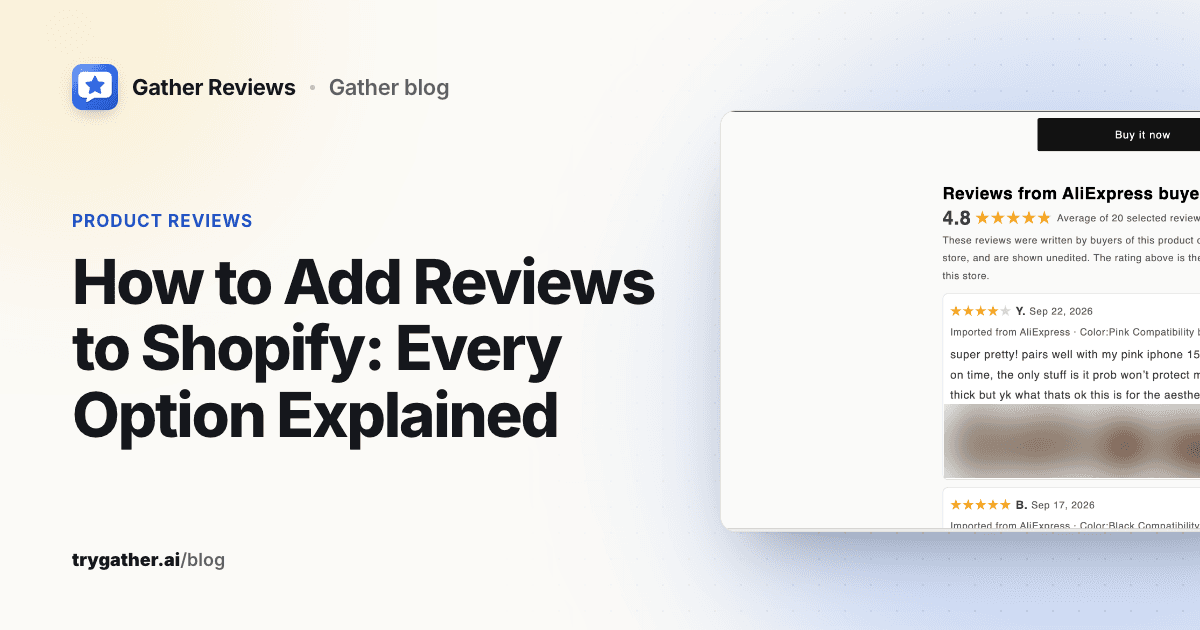
How to Add Reviews to Shopify: Every Option Explained
How to add reviews to Shopify: Shop product reviews, review apps and theme blocks, CSV migration and labeled supplier imports, with steps and trade-offs.
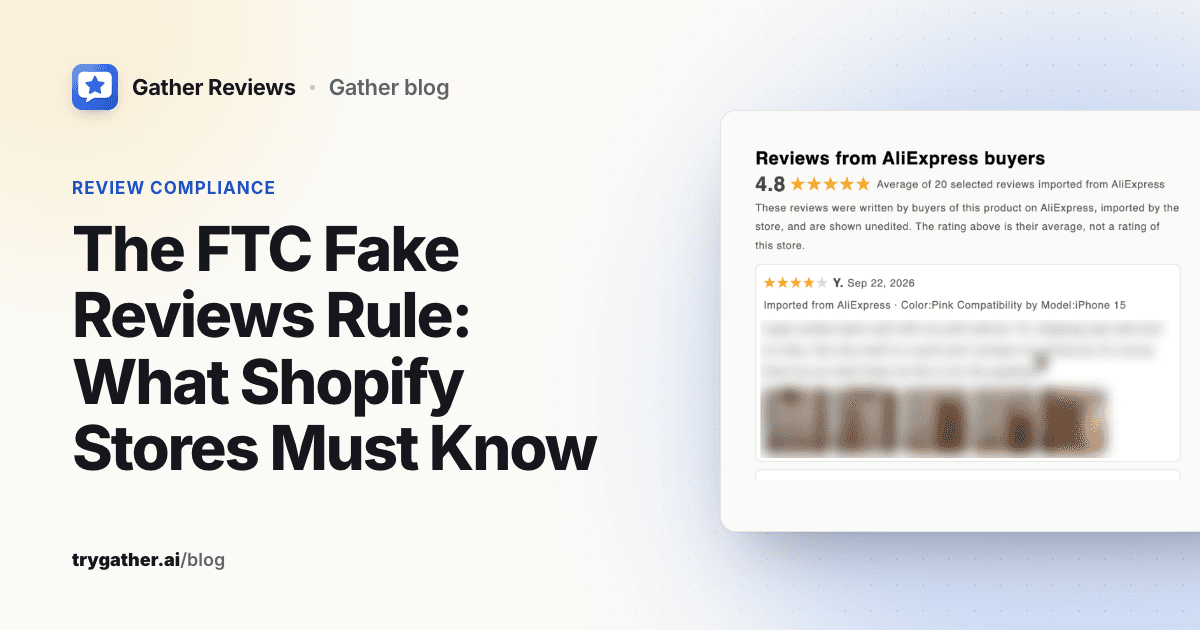
The FTC Fake Reviews Rule: What Shopify Stores Must Know
What the FTC fake reviews rule bans, what it allows, and a pre-publish checklist for Shopify stores, including imported supplier reviews. Sourced to ftc.gov.
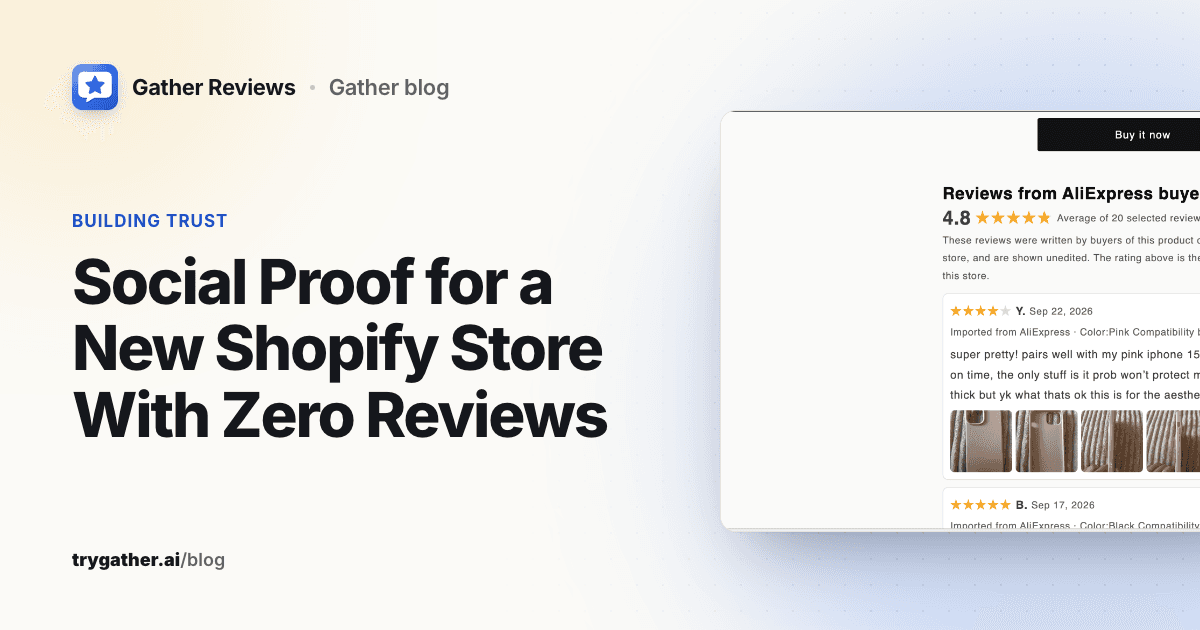
Social Proof for a New Shopify Store With Zero Reviews
No orders yet? Here is the honest social proof a new Shopify store can show from day one, which trust signals to add first, and which fake tactics to avoid.
Works great with
Gather apps share one account, one support team and one simple way of doing things.
PricePulse
Know the moment a competitor undercuts you. Track prices and stock on Shopify stores and most online shops.
Learn more →Supplier Monitor
Get alerted when an AliExpress supplier changes price or runs out, and pause the product automatically.